DS Menu
Digital menus designed to change how a business presents what it sells
DS Menu is a digital menu system for local businesses. I built it as a product, not as a one-off site: one shared engine and, for each venue, a theme and its data.
- Type
- Digital product, menus for local businesses
- Role
- Design and development
- Status
- Demo showroom
- Demos
- 16 fictional venues
- Languages
- IT, ES, EN, DE, FR
Venues, dishes and prices are fictional.
- Type
- Digital product, menus for local businesses
- Role
- Design and development
- Status
- Demo showroom
- Demos
- 16 fictional venues
- Languages
- IT, ES, EN, DE, FR
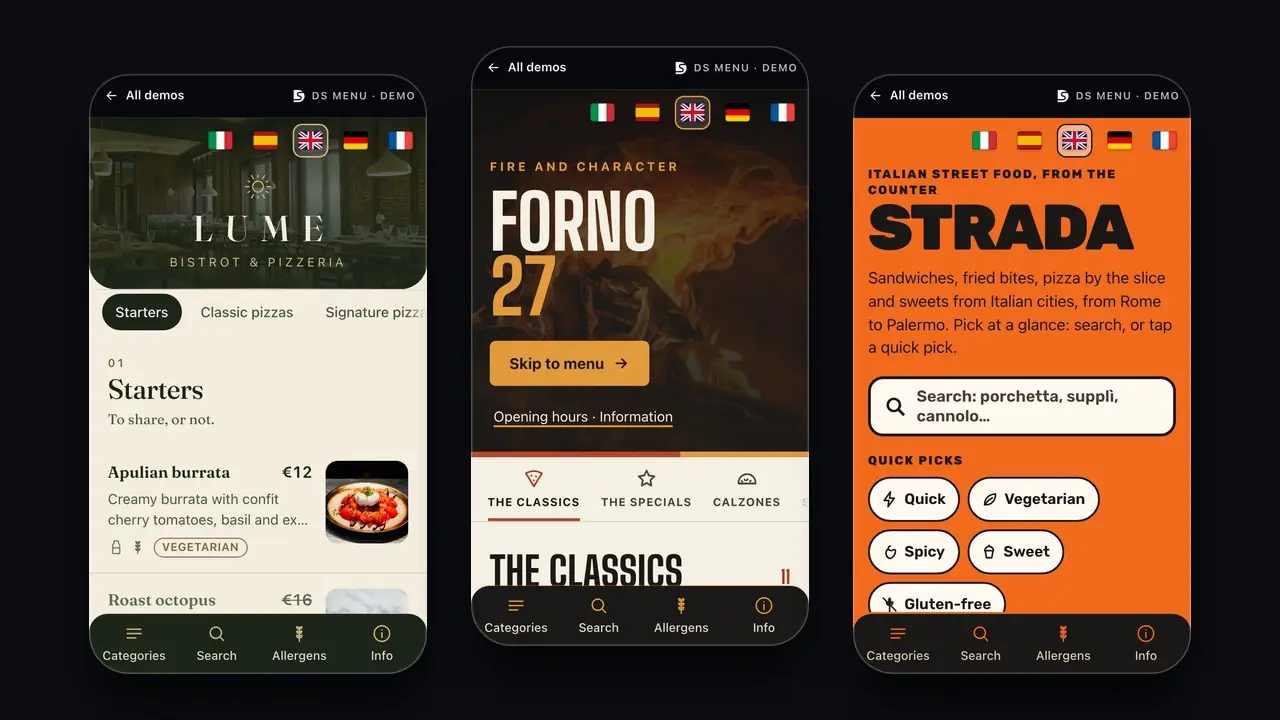
Venues, dishes and prices are fictional.
The system
One system, sixteen identities.
Restaurants, sweets and coffee, evening venues, beach and events. Every demo has its own colors, typeface and way of showing products. The identity changes, the engine stays the same.
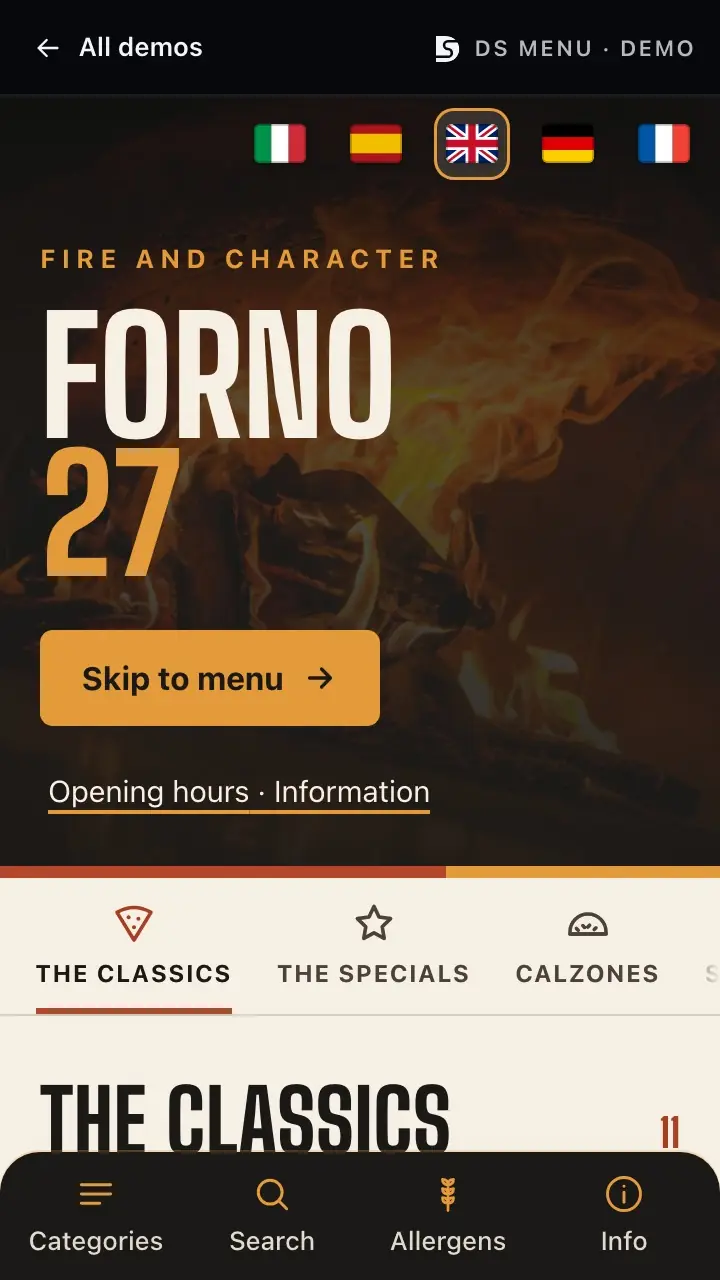
FORNO 27, Pizzeria
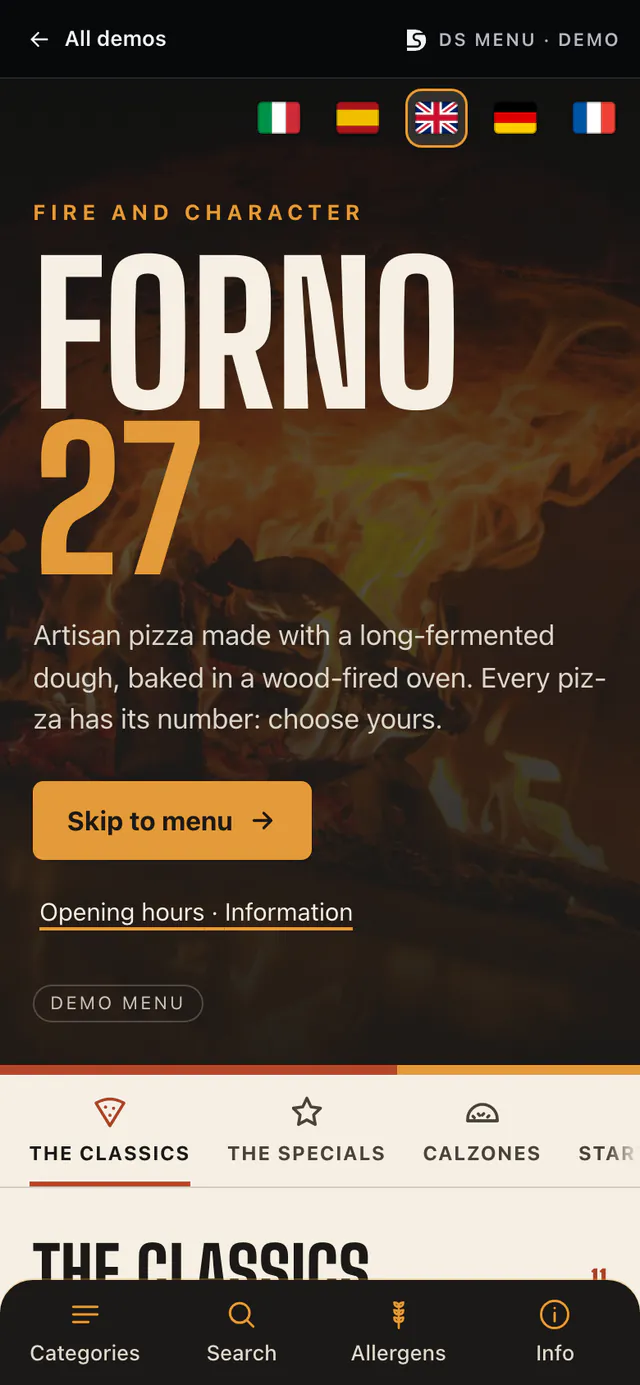
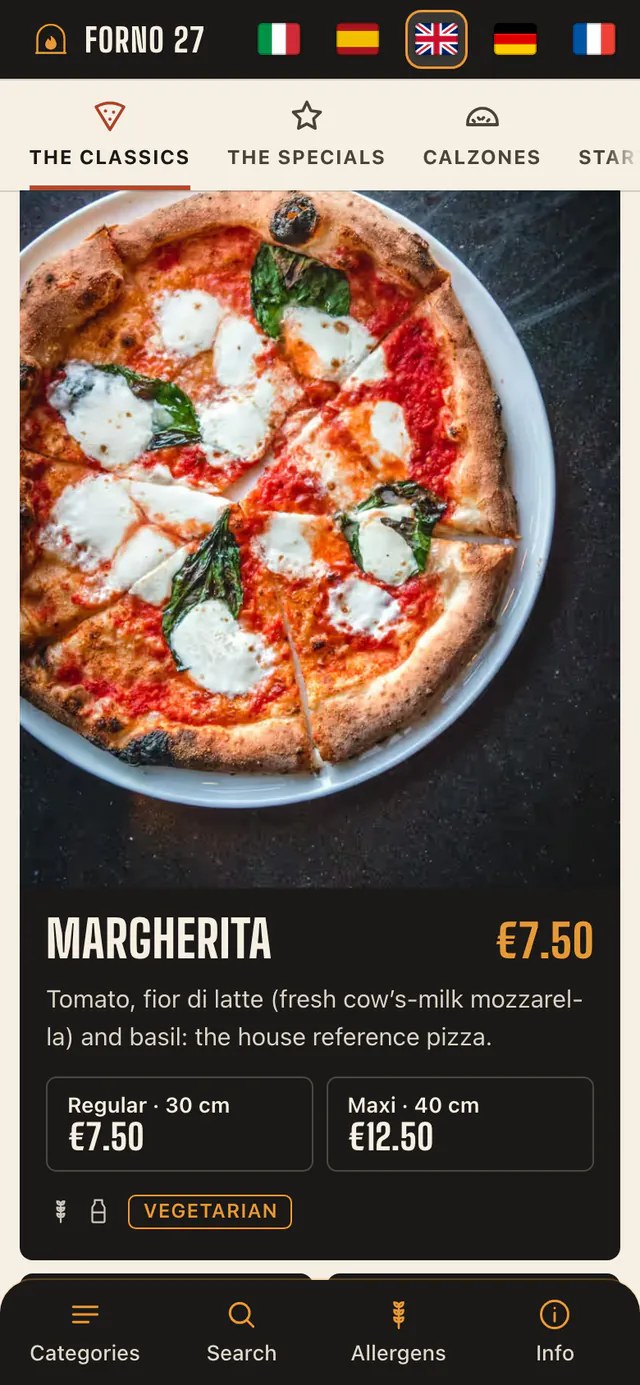
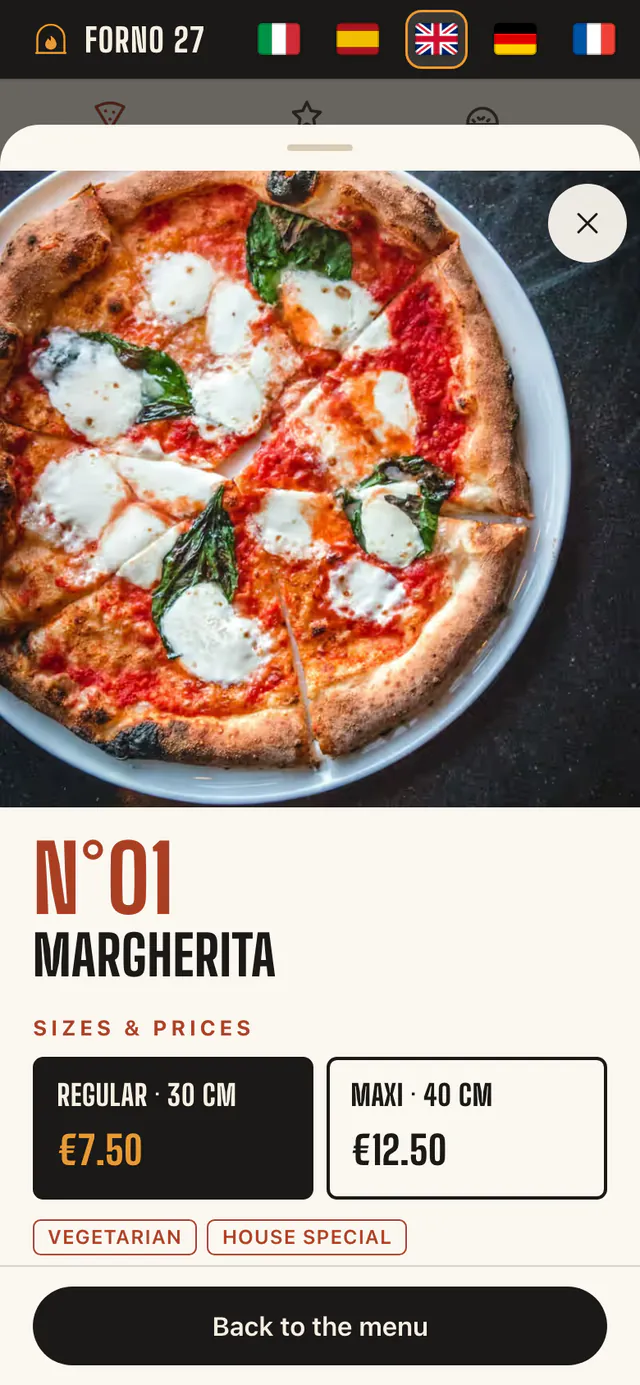
FORNO 27
Fire and character: a typographic poster, warm photos and clear sizes.
- Palette
- Typeface
- Big Shoulders Display
- Theme
- light
These are demos: venues, dishes and prices are fictional, photos are licensed and allergen data is for demonstration only.
The QR
One QR. One menu. One experience.
The customer scans the code from the table, the counter or a flyer and the menu opens in the browser, with no app and no sign-up. Then they pick a category and open the product: sizes, prices, ingredients, allergens.

Scan
A QR on the table, the counter or the flyer.
Open
The menu in the phone’s browser, in the chosen language.
Choose
Categories, search and the product sheet.
How it’s built
One shared engine, one theme for each venue.
Made for the phone
Designed from 320 pixels wide. The screen that matters is the phone’s, not a shrunken desktop site.
Five languages
Italian, Spanish, English, German and French, with the flag at the top. The demos’ texts are for demonstration.
Categories, search, allergens
The bottom bar leads to categories, search, the allergen filter and the venue’s information.
Product sheets
Sizes, prices, ingredients and allergens. Every product has its own address, and the sheet reads even without JavaScript.
No app, no account
It opens from a link or a QR. Nothing to install, nothing to sign up for.
One theme per venue
Colors, typeface and the shape of the cards live in the theme. There is one engine: every venue brings its own data and theme.
How it’s built
Next.js with React and Tailwind. One shared engine generates the public menu (structure, search, languages, product sheets) and every venue brings its own theme, with colors, typeface and card shapes, and its own set of data. The pages are served by Netlify: the product sheets are generated on the first request and then cached.
- The stack
- Next.js, React, TypeScript, Tailwind CSS, Netlify
- My role
- Product thinking, UX/UI, Design system, Frontend, Demo copy and photos
The result
Sixteen demos online, to open from your phone.
- Each with its own identity: colors, typeface and way of showing products.
- Five languages in every demo.
- One menu engine, with one theme for each demo.
Not yet
A management panel for the owner, orders and payments. They are not in the showroom and I don’t promise them: they are assessed case by case.
Venues and dishes are fictional. Licensed photos, credits in every demo. The demos’ texts, translations and allergen data are for demonstration only: in a real menu the venue confirms them.

Need something similar?
Tell me about it: I’ll start from where you are now.